
Accessory
TMD Adapter
The TMD Adapter downloads data from any TOMST datalogger to your computer or Android device running the Lolly software. It connects via USB-C.
How to use
- 1. Connect the TMD Adapter to your computer or Android device using a USB-C cable.
- 2. Start the Lolly software.
- 3. Touch the datalogger's contact - on a TMS, the metal cap with the TOMST logo at the top - to the metal ring on the adapter.
- 4. Hold it in place until all data is downloaded.
Data transfer begins automatically when the connection is made.
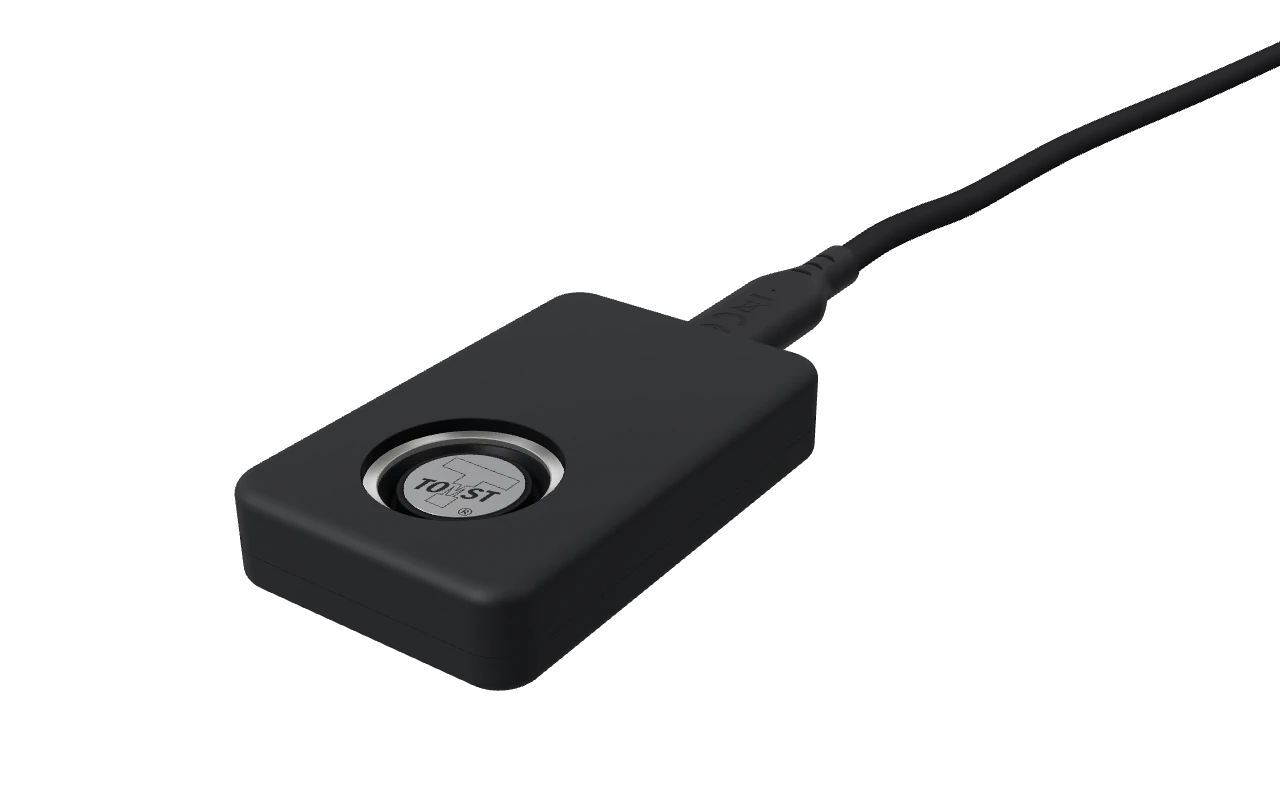
TMD Adapter
Open the detailed viewer (about 5 MB): every side, an exploded view, the USB-C cable
Gallery
Click to enlargeNeed prices or availability? Request a quotation and we will reply with the details, including shipping to your country. No prepayment is required.
Request a quotationResearch using TOMST instruments
TOMST instruments appear in peer-reviewed field research worldwide: microclimate monitoring, soil moisture, temperature, dendrometry, forestry, hydrology and environmental science.